
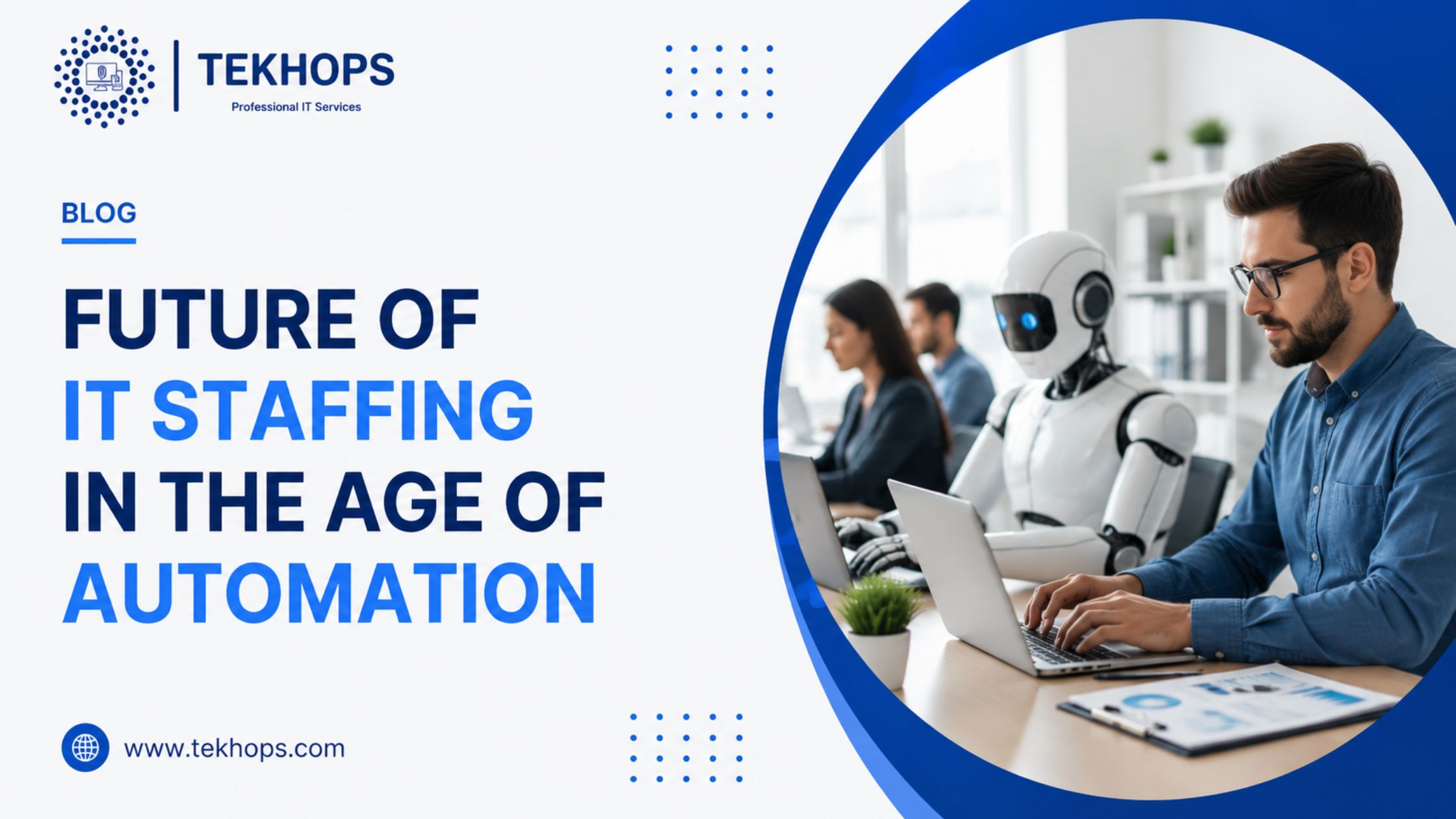
The future of IT staffing in the age of automation is the process of evolving workforce strategies, skill requirements, and hiring practices for IT roles amid rising AI, RPA, and machine learning technologies. The change enables companies to work more effectively within a digital environment. It is used by modern enterprises to satisfy the increasing requirements of speed, flexibility, and control of costs.
Key Benefits of Automation in IT Staffing
Automation platforms offer practical advantages that streamline operations.
Cost Effectiveness: Revert to pay-as-you-go schemes, which would do away with large hardware investments. Providers take care of the maintenance to cut the recurrent costs.
Scalability: Resources are scaled up or down depending on the demand. IT teams cope with project peaks without any additional permanent hires.
Accessibility: Use access tools and data regardless of the internet-connected device used. This facilitates the ease of remote work and hybrid staffing models.
Improved Efficiency: Inbuilt AI tools, automation scripts and analytics capabilities guard against manual errors. Systems are updated automatically for productivity.
Accelerated Innovation: Directly integrate AI, machine learning, and low-code platforms. The teams create and launch projects faster than the traditional approach.
These benefits improve reliability and decision-making. Tech firms, for example, maintain project timelines during high-demand periods.
Challenges and Solutions
Automation adoption in staffing is a hazard, and planning reduces the hazards.
Movement of roles may slow down the development as routine tasks automate. The skill gaps interfere with the working processes. Lack of AI skills may be deficient in teams.
Hybrid staffing models combine traditional and automated systems to support smooth transition processes. Automated upskilling tools ensure workforce readiness by quickly addressing knowledge gaps through training and consulting services. TEKhops helps organizations implement scalable technology and workforce solutions tailored to business needs.
Step-by-Step Staffing Transformation Process
A structured approach ensures minimal disruption.
Inventory Check: List all IT roles, skill sets, and dependencies. Identify automation-ready positions.
Provider Evaluation: Compare AI platforms, RPA tools, or Google Cloud AI on cost, features, and integration support.
Strategy Selection: Use reskilling for speed or full role redesign for optimization. Start with non-critical functions.
Pilot Testing: Implement automation in small teams first. Measure performance and fix issues.
Deployment and Monitoring: Roll out in phases. Track productivity with dashboards for ongoing tweaks.
This method keeps operations running smoothly.
Real-World Applications
Real-time monitoring is an automation application used by IT service providers. Developer productivity is enhanced by AI code assistants, allowing faster deployments. With AI-driven hiring, tech firms are able to achieve 99.99% talent match accuracy. Enterprises are leveraging chatbots for initial support efficiency.
These are some of the examples that underscore the industry-wide applicability of automation.
Conclusion
Automation in IT staffing makes the workforce a growth enabler and not a cost burden. It enables nimbleness when it comes to new technologies such as AI and edge computing. Companies that take it long risk losing their competitiveness and resilience. Do an evaluation now to map out your future and achieve long-term benefits.
Frequently Asked Questions
1. What exactly is IT staffing in the automation age?
It is the process of adapting hiring and skills from traditional roles to AI-enhanced environments for improved efficiency.
2. How long does staffing transformation take?
Small teams complete it in 3-6 months; larger enterprises may need 12-18 months with phased roll outs.
3. What are the main costs involved?
Upfront expenses cover training and tools, but long-term savings from efficiency reach 20-40% of staffing budgets.
4. Is automation secure for IT operations?
Yes, platforms offer enterprise-level safeguards, AI monitoring, and compliance with standards like GDPR.
5. Can businesses automate only part of IT roles?
Yes, hybrid models allow gradual shifts, testing automation benefits without full commitment.
6. Which tools work best for IT staffing in India?
Options like AWS AI services or Azure India provide low-latency access tailored to local needs.
7. What if automation displaces jobs?
Reskilling programs and new roles in AI oversight minimize impacts. Most transitions create net job growth.
8. How does automation support diversity in hiring?
AI tools reduce bias in screening, enabling fairer talent selection across demographics.
